Documentsamazon-signage-stick
Amazon Signage Stick
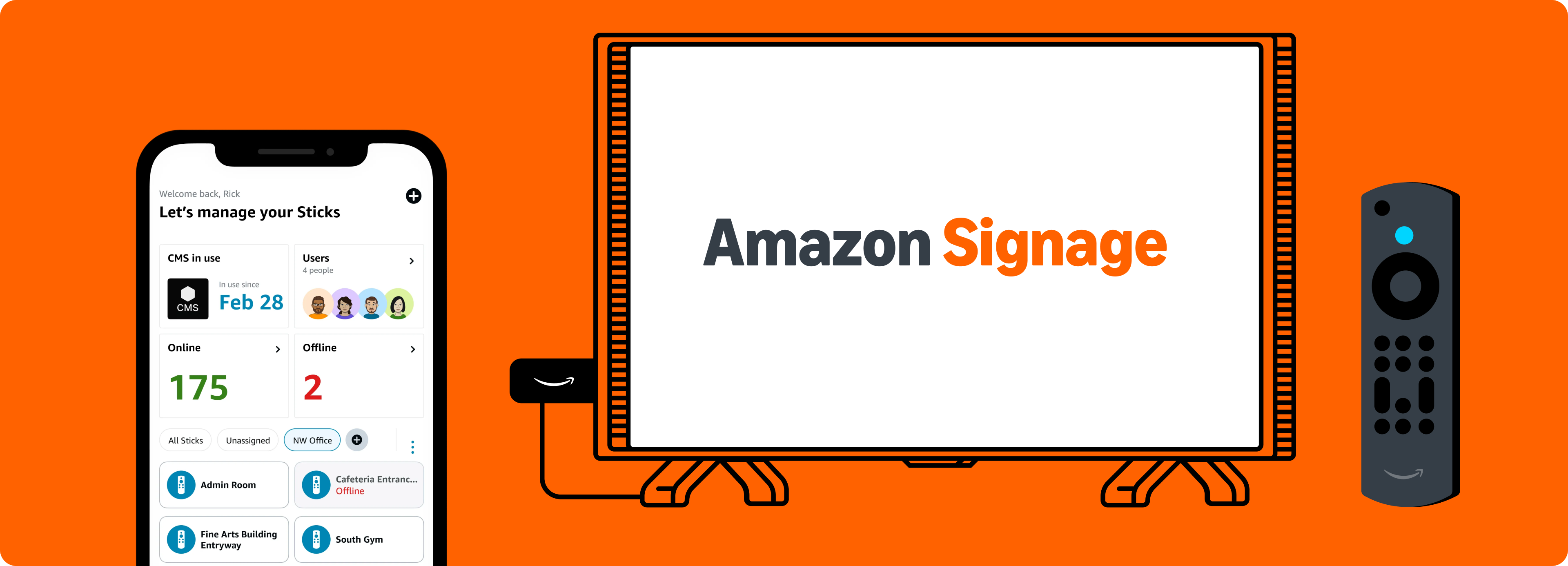
 The Amazon Signage Stick is an affordable, purpose-built digital signage player offering effortless setup and powerful performance. Designed for businesses and organizations of all sizes, it integrates seamlessly with PiSignage and delivers a robust, feature-rich experience. Elevate and simplify signage with a plug-and-play solution that scales easily across multiple locations.
Where to Buy?
You can order the Signage Stick using the link below

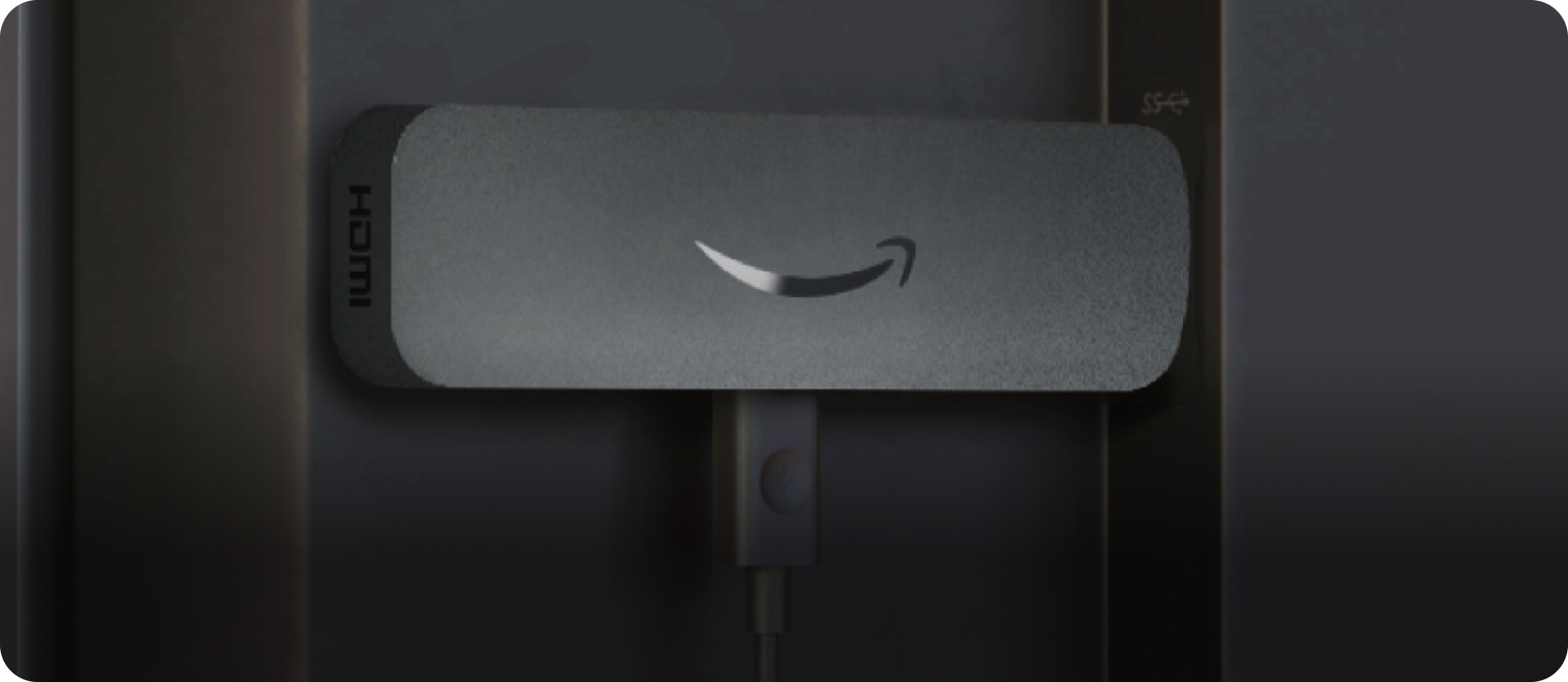
What we love!
- Seamless integration with PiSignage - straight out of the box. Just plug and play to get started.
- Affordable professional signage - get premier signage performance accessible for a wide range of businesses and applications.
- Designed for digital signage - auto-launches PiSignage increasing uptime without requiring user involvement.
- Easy set up – connect to displays and PiSignage to have content running in minutes. No technical expertise needed.
- The Amazon Signage app - set up multiple Signage Sticks faster and easier - no remotes needed. Plus, monitor all devices from a centralized dashboard while on the move.
- Powerful performance - with quad-core SoC, 4K video streaming and playback and high bandwidth WIFI 6E connectivity.
- Engineered with security in mind - with a secure boot loader, data encryption, and regular updates that keep signage safe and running smoothly.

Some considerations
- A separate plug-point will be required to power the Amazon Signage Stick.
- The Amazon Signage Stick is currently only available in the United States, Canada and Europe as of now
Technical specifications
| Spec | Description |
|---|---|
| Size | 99 mm x 30 mm x 14 mm (only housing) 108 mm x 30 mm x 14 mm (including the connector) |
| Weight | 43.5g |
| Processor | Quad-core 2.0GHz |
| GPU | 850MHz |
| Storage | 16GB |
| Memory | 2GB LPDDR4 |
| WiFi | Wi-Fi 6E tri-band: 802.11 a/b/g/n/ac/ax (2.4GHz, 5GHz, and 6GHz) |
| Bluetooth | Bluetooth 5.2 + BLE |
| Audio Support | HDMI audio pass through up to 5.1 |
| 4K Support | To run video streaming and playback in 4K you need a compatible 4K-resolution display, a CMS that supports 4K, and 4K content. |
| Content Formats Supported | Video: HDR 10, HDR10+, HLG, H.265, H.264, VP9, AV1. Audio: xHE-AAC, AAC-LC, AAC+, eAAC+, AAC-ELD, MP3, AMR-NB, FLAC, PCM/WAV, Vorbis, MPEG-H pass-through, DTS passthrough, DTS-HD passthrough (basic profile). |
| Ports | HDMI 2.1 output with ARC input support, micro-USB |
| System Requirements | High-definition display with available high-speed HDMI input, high-speed internet connection via wifi. Wi-Fi 6E router needed for Wi-Fi 6E support. Auto-Low Latency Mode is included in the HDMI 2.1 standard. |
| Display Compatibility | Display must support minimum HDCP requirements for protected content playback. Compatible with 1) 4K UHD display with HDMI capable of 2160p at 24/25/30/50/60 Hz and HDCP 2.2 or 2) high-definition displays with HDMI capable of 1080p or 720p at 50/60 Hz. |
For the remote
| Spec | Description |
|---|---|
| Size | 38 mm x 157 mm x 17 mm |
| Weight | 51g (without batteries) |
| Batteries | 2 AAA (included) |
| Technology | Bluetooth and infrared |
Setup
A Simple 3 step process
- Connect and boot up the Signage Stick
- Choose PiSignage from the CMS dropdown
- You will need the Mobile app or included remote for this
- Copy the 16 digit number that appears on screen
- Register your player on PiSignage.com
- Go to PiSignage.com/players
- Click on Add screen in the top right
- Register the screen using the 16 digit number from step 2
- Choose a group to add the player to
To show content
- Add Assets
- Add your assets to a playlist
- Add your playlist to a group
- Deploy the group to see your content to a player
Tips and Tricks
- The Amazon Signage mobile app gives you a great way to easily set up multiple Signage Sticks simultaneously and monitor them on the move.
- Organising the players by location both PiSignage and Amazon Signage Mobile app will help manage them better.